
Pro Weekly
100 credits every week
Renews weekly. Cancel anytime in your Apple ID settings.
AI video generator for iPhone
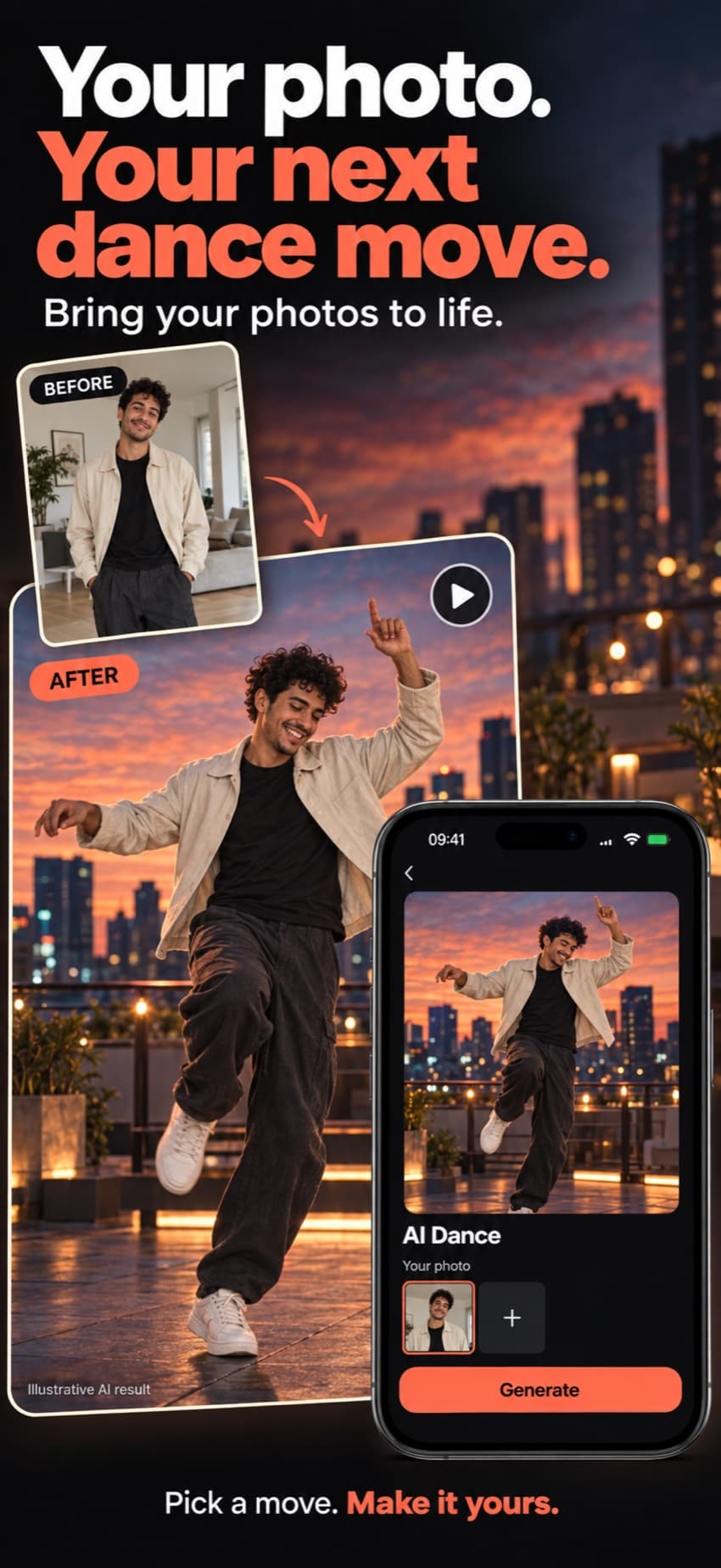
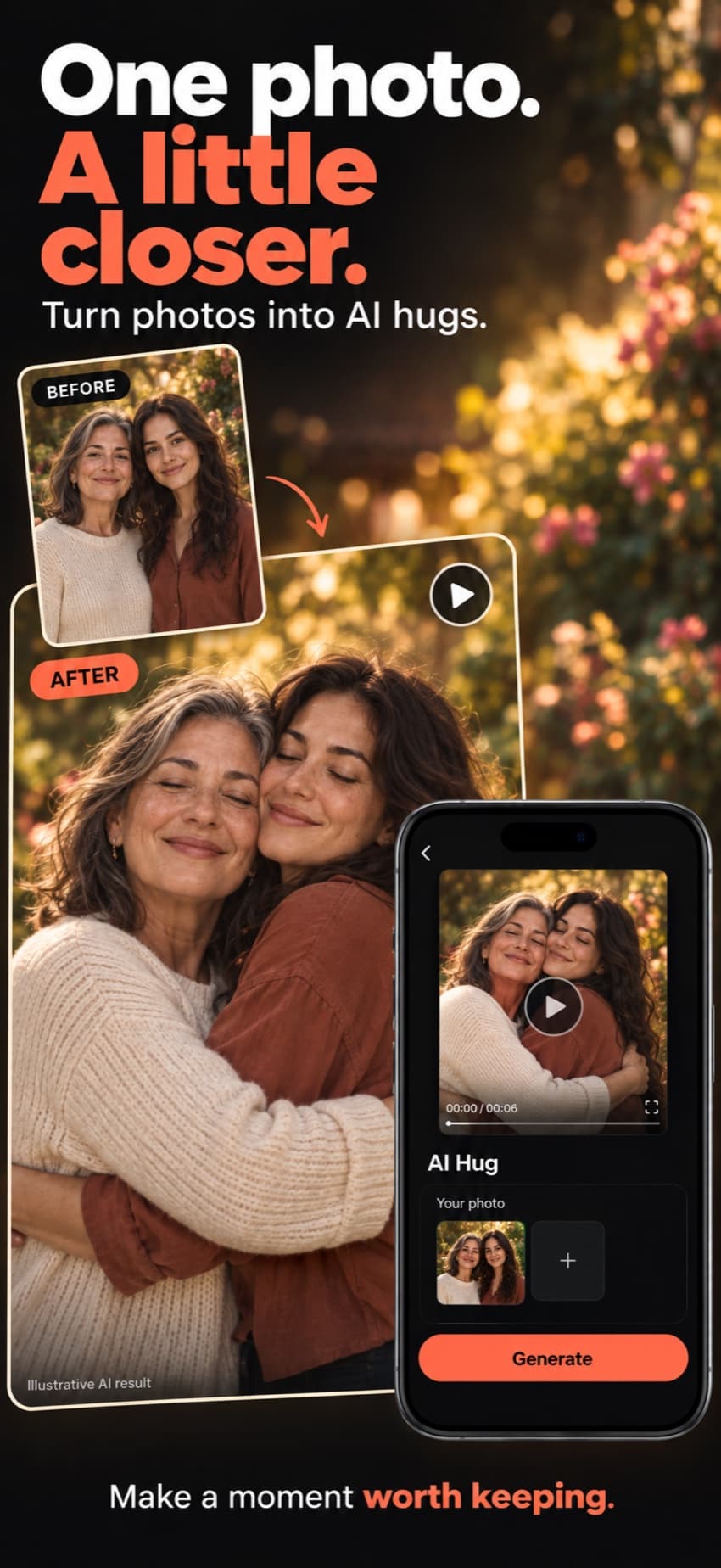
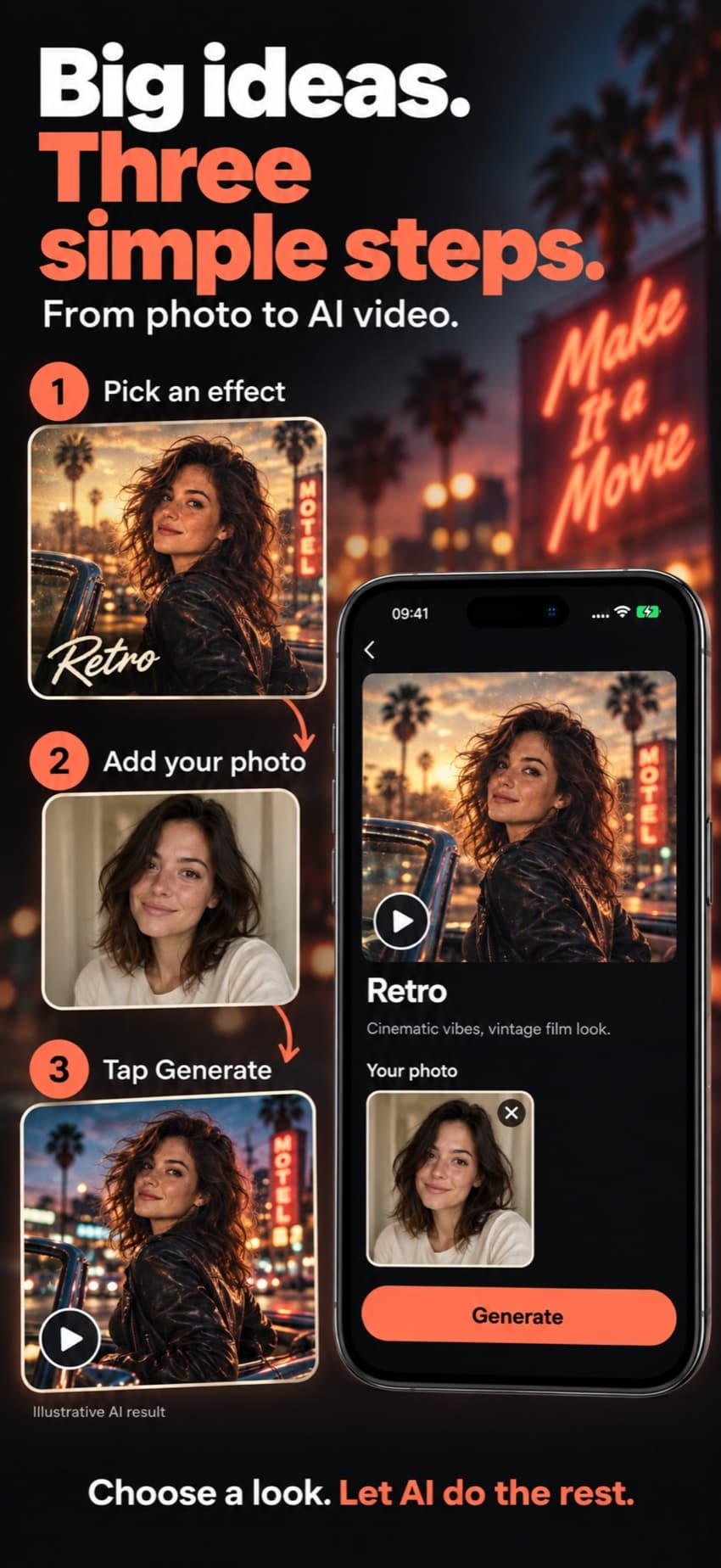
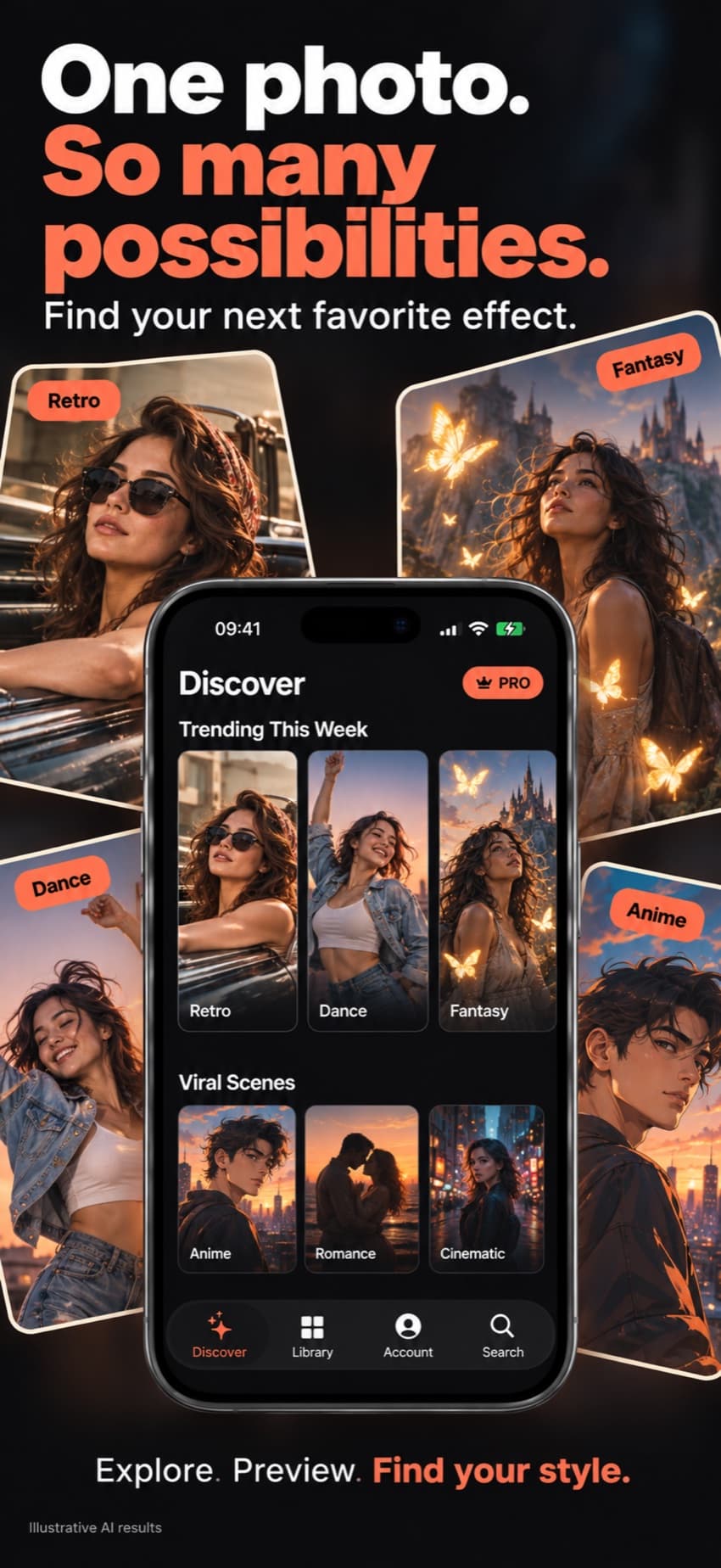
Dreamore turns a single photo into a short AI video. Pick from 1,000+ effects, from dance and hugs to retro scenes and anime. There’s nothing to type and no prompts to learn.
Listed as AI Video Generator & Dance
How it works
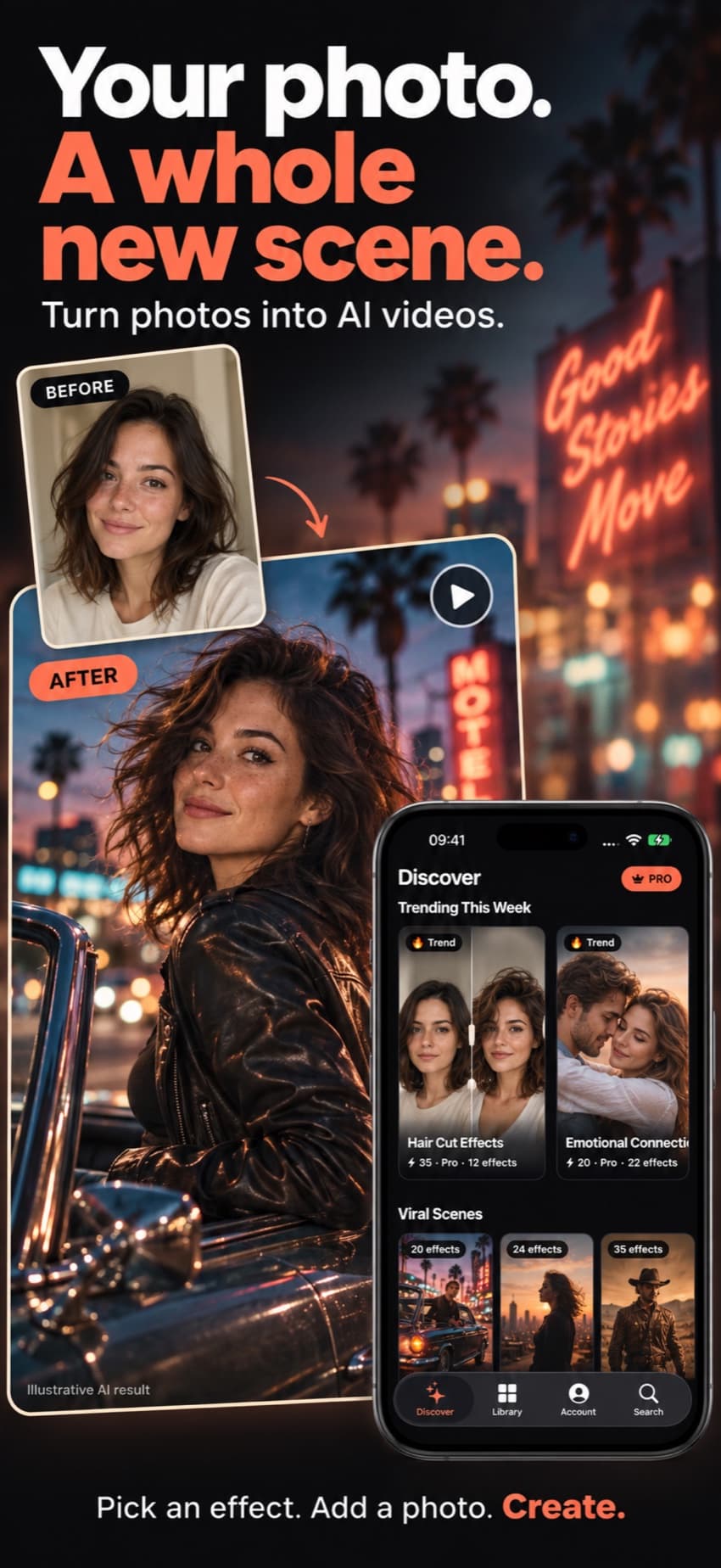
Browse what’s trending in Discover or search by category. Every effect plays a preview, so you know what you’ll get.
Most effects need one photo. Couple and duo effects, like a hug or a kiss, take two.
Choose a style, or a 5, 10 or 15 second length where the effect offers it. You can close the app; we’ll notify you when your video is ready.
Effects
Discover shows what’s trending this week and what just arrived. Some favorites:
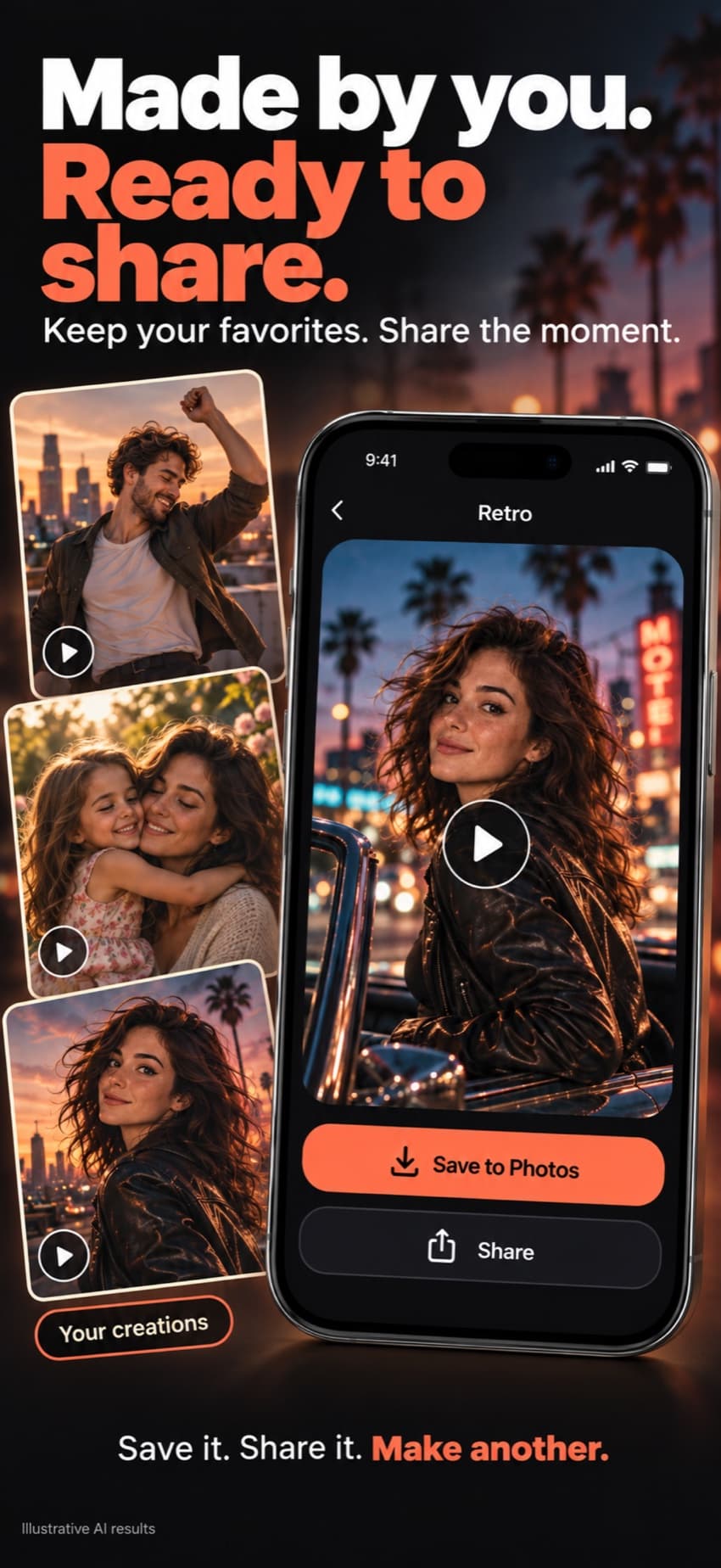
Examples on this page are illustrative AI results.
Plans
Each video uses credits, and the app shows the cost before you tap Generate. Creating needs an active AI Video Pro subscription. Prices appear in your local currency in the App Store.
100 credits every week
Renews weekly. Cancel anytime in your Apple ID settings.
400 credits every month
Renews monthly. Cancel anytime in your Apple ID settings.
Up to 1,000 credits in packs of 100, 300 or 1,000
One-time top-ups for Pro members who run low.
That’s Dreamore. It’s listed in the App Store as “AI Video Generator & Dance” and shows up as “AI Video” on your home screen.
The app is free to download. Creating videos needs an AI Video Pro subscription and credits, since every video runs on paid AI models.
A clear, well-lit photo where the face is visible and not cut off. Use photos of yourself, or of people who’ve said it’s okay.
The credits for that video go back to your balance automatically.
Open Settings on your iPhone, tap your name, then Subscriptions, and choose AI Video Pro. Cancel at least 24 hours before it renews.
Not yet. Dreamore is available for iPhone only.